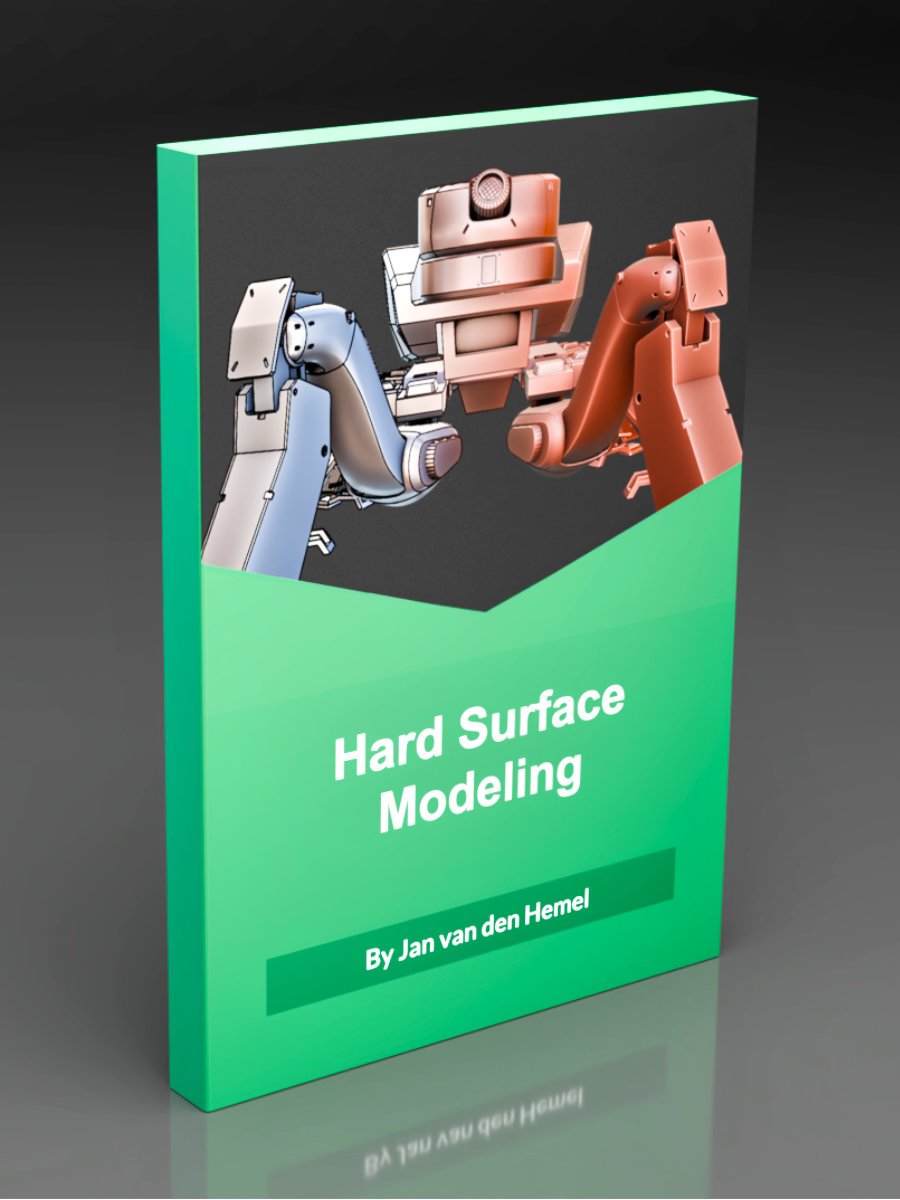



Hard Surface Modeling in Blender
Master Blender hard surface subdivision modeling from concept art with step-by-step, non-destructive techniques, quad topology & game-ready export. Includes reference images, .blend files & student support.
More details
Hey! You can buy this course here and I'll enroll you on Teachable ASAP (will take a few hours, up to 24 hours). And you can download the first 20 lessons immediately. However! If you want to access everything immediately, please purchase the course directly on Teachable instead. You can do that by following this link.
Why this Course?
Creating mechanical 3D models in Blender can be approached in a variety of ways. If you don’t have concept art, you can dive straight into 3D by blocking out shapes and using sculpting techniques. This method allows you to design and model simultaneously—and I even have a video course dedicated to that approach.
But what if you do have detailed concept art and want to stay true to it? That can be a bit more challenging. That’s exactly where this new course comes in. By mastering the proper workflow for modeling from reference images, you’ll gain the skills and confidence to model almost anything with precision and ease.
What’s in the course?
This course includes concept art and orthographic reference images created by talented concept artist Kenn Yap, also known as Chromamoma. I’ve been a fan of Kenn’s work for years and am very excited to collaborate with him on this course.
The course is designed for you to follow along step by step. I don’t skip any parts, and I provide Blend files for each stage of the modeling process alongside the lessons.
The lessons are kept concise so you can, for example, easily complete one per day. Additionally, you can download the lessons for offline use—perfect if you’re traveling or don’t always have access to the internet.
Course Structure
The course is divided into two main chapters:
- Chapter 1: Setting up reference images and creating the initial iteration of the model using the best modeling techniques for each part.
- Chapter 2: Refining the model by creating proper quad topology, as you would prepare it for film production (so the surface supports for example a detailed sculpt pass for damage and small details).
- Chapters 3 - 5 (currently in production) deals with everything from UV unwrapping, rendering to exporting the model.
Chapter 1 Details
The first chapter consists of 5 hours of content across 40 lessons, focusing on non-destructive and modifier-based workflows. This approach keeps the process flexible while maintaining consistency, such as uniform bevels throughout the model.
I also share unique tips you won’t find elsewhere, like how to place objects along a curve without deformation or how to leverage lesser-known options in the Bevel modifier. Whenever applicable, I explain multiple ways to accomplish a task and why I chose a specific technique.
Chapter 2 Details
The second chapter consists of 12 hours and guides you through transforming your Chapter 1 model into a game-ready and animation-ready asset.
Splitting the process into two stages ensures a higher-quality final result. Think of it like creating a detailed sketch before painting: by tackling the model in manageable chunks, you avoid feeling overwhelmed and can focus on accuracy and refinement at each stage.
Additional Details
- Student Support: You can ask questions directly in the comment section under each lesson, and I’ll respond as soon as possible.
- Requirements: The course only requires Blender—no extra software or paid add-ons are needed.